Most budgeting apps get downloaded, used for a week, and forgotten. The ones on this list are different, they’re actually worth your time. PocketGuard tops the list: it shows what’s safe to spend now, where your money went, and where your month is heading, without any setup headaches.
Table of Contents
How We Selected These Apps
To find the best budgeting tools of 2026, we stress-tested dozens of platforms against five primary performance indicators. We prioritized real-world utility over flashy features to see which apps truly help you build wealth.
- Setup & Onboarding: We measured the “time to value”, how long it takes from downloading the app to having a functional budget. We favored apps with intuitive interfaces and guided setup wizards.
- Data Integrity: We tested the stability of bank syncing via aggregators like Plaid. Apps that frequently “broke” connections or required constant manual re-authentication were penalized.
- The “Paywall” Test: We analyzed the limitations of free versions. We looked for apps that remain useful without a subscription, rather than those that gate basic features like transaction importing.
- Pricing & ROI: We weighed the annual cost against the potential savings. A $100/year app was only ranked highly if its automation and insights significantly reduced “hidden” spending or subscription waste.
- Financial Philosophy: We categorized apps by their methodology (e.g., Zero-Based, Envelope, or Cash Flow) to ensure we recommended the right tool for different financial temperaments.
Quick Comparison: 7 Top Budgeting Apps at a Glance
| App | Best For | Free Plan | Paid Plan |
|---|---|---|---|
| PocketGuard | Overall daily budgeting | No (7-day free trial) | $12.99/mo or $74.99/yr |
| YNAB | Zero-based discipline | No (34-day trial) | $14.99/mo or $109/yr |
| Monarch Money | Couples and investors | No (7-day trial) | $14.99/mo or $99.99/yr |
| Rocket Money | Cutting subscriptions | Yes | $6–$12/mo (you choose) |
| EveryDollar | Beginners and debt payoff | Yes (manual) | $17.99/mo or $79.99/yr |
| Copilot | Design and simplicity | No (free trial) | $13.99/mo or $79.99/yr |
| Goodbudget | Manual envelope budgeting | Yes (10 envelopes) | $10/mo or $80/yr |
1. PocketGuard – Best Overall Budgeting App
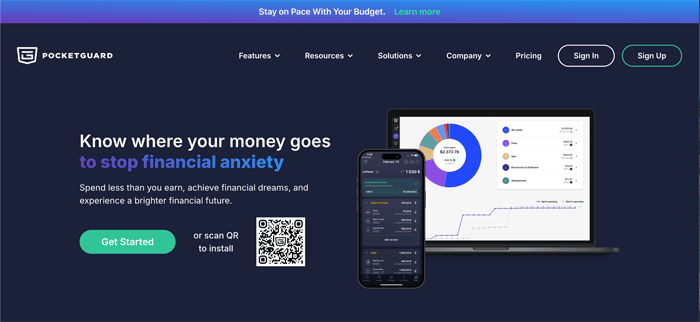
Connect your accounts, set your bills and savings goals, and PocketGuard shows you one number, what’s genuinely free to spend right now. It updates as you spend, covers 10,712+ financial institutions, and lets you budget your way: zero-based, envelope-style, or custom.
You want to know what’s safe to spend now and where your month is heading, with a budget structured the way you like.
The “Leftover” number isn’t just your bank balance. It accounts for upcoming bills and savings goals automatically, so it’s always an honest figure.
Insights shows where your money went, and Pace tells you whether you’re on track before the month ends, so you see your budget’s past, present, and future in one place.
Cost:
7-day free trial. Plus is $12.99/month or $74.99/year.
If you want a fully manual app with no bank syncing at all, another tool may fit better.
2. YNAB – Best for Zero-Based Budgeting
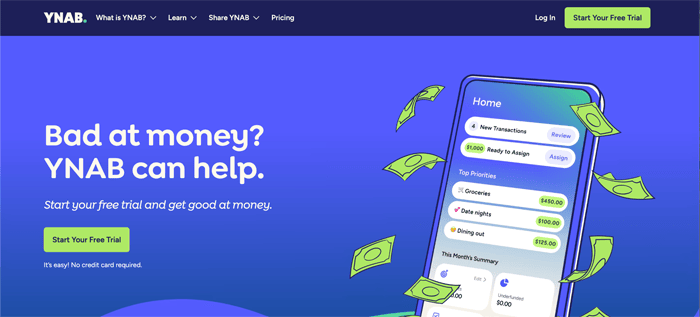
Before the month even starts YNAB forces you to give every dollar a job: rent, groceries, savings, fun money, until there are zero leftover dollars unassigned. It’s a more manual system than the majority of apps, but those who stick to it turn into true advocates. When considering only data from within the app itself, new users reportedly save $600 on average in their first two months.
You want a strict weekly zero-based routine and you’re willing to spend a few minutes a week maintaining it.
You’re making decisions about your money before you spend it, not reviewing damage afterward.
Cost:
$14.99/month or $109/year, with a 34-day free trial.
Real engagement required. It’s not a passive tracker. If you don’t check in regularly, you won’t get much out of it.
3. Monarch Money – Best for Couples and Complex Finances
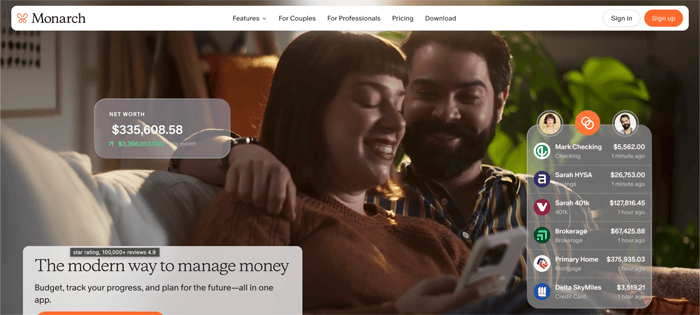
Monarch provides budgeting, net worth and investment tracking, cash flow projections (which are great for a growing family) as well as a shared dashboard that both partners can access simultaneously. An AI assistant that can answer plain English questions about your finances.
This is now the most complete personal finance picture you can get in one app. You need to have a partner in money management or you would like to track investments in addition full-on with your day-to-day budget. Both partners view the same real-time data and collaborate towards mutual objectives. No syncing holds, zero duplicate entries.
Cost:
$14.99/month or $99.99/year. No permanent free plan, just a 7-day trial.
It’s one of the pricier options. If your finances are simple, it’s more app than you need.
4. Rocket Money – Best for Cutting Recurring Costs
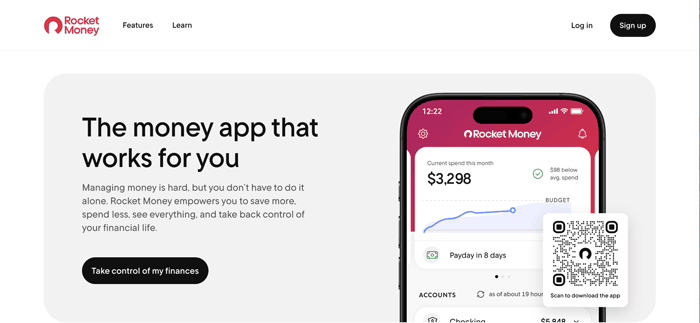
Rocket Money scans your transaction history for forgotten subscriptions and recurring charges, then offers to negotiate your bills directly with service providers. The free tier is genuinely useful. You get expense tracking, bill alerts, and subscription management without putting in a credit card.
You think you’re paying for things you don’t use, or your monthly bills have crept up without you noticing.
It’s the only app here that actively negotiates your bills for you. One successful negotiation often covers a year’s subscription cost.
Cost:
Free plan available. Premium is $6–$12/month — you pick the price.
Bill negotiation takes 30–60% of the first year’s savings as a fee. It’s better at quick wins than building long-term budgeting habits.
5. EveryDollar – Best for Beginners and Debt Payoff
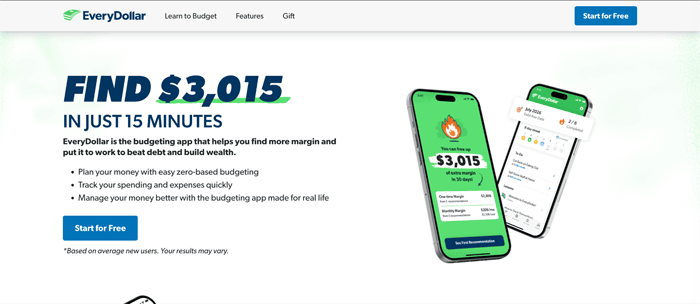
EveryDollar is Ramsey Solutions’ app, built around Dave Ramsey’s Baby Steps debt payoff framework. Zero-based budgeting, clean layout, and a guided structure that doesn’t overwhelm people who’ve never budgeted before. The free version works well for manual entry.
You’re new to budgeting or you’re following the Ramsey method for paying off debt.
The only budgeting app built specifically around a structured debt payoff plan. If that’s your goal, nothing else on this list supports it as directly.
Cost:
Free with manual entry. Premium is $17.99/month or $79.99/year, which bundles in Ramsey coaching content.
The premium price is the highest on this list. You’re partly paying for courses and coaching. Great if you use them, hard to justify if you just want the app.
6. Copilot Money– Best for Design and Simplicity
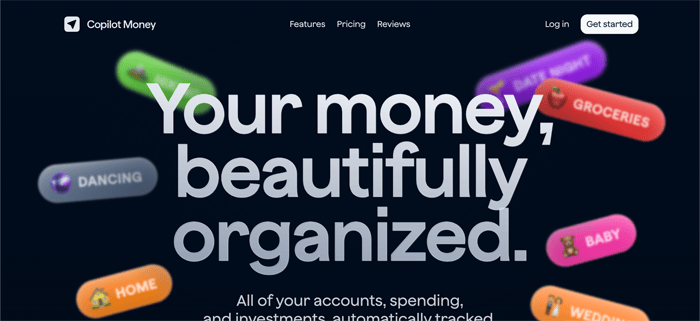
Copilot Money is the best-looking personal finance app available. It uses AI to categorize transactions automatically, gets smarter over time, and rolls unspent money over to the next month without any input from you. Most users spend a few minutes a week reviewing what it’s already handled.
If you’re looking for a low-effort app that actually looks good and stays out of your way.
The design isn’t cosmetic; it’s the reason people actually keep using it. Copilot Money is built for people who’ve bounced off other apps because they were too ugly or clunky to open daily.
Cost:
$13.99/month or $79.99/year after a free trial.
7. Goodbudget – Best for Envelope Budgeting
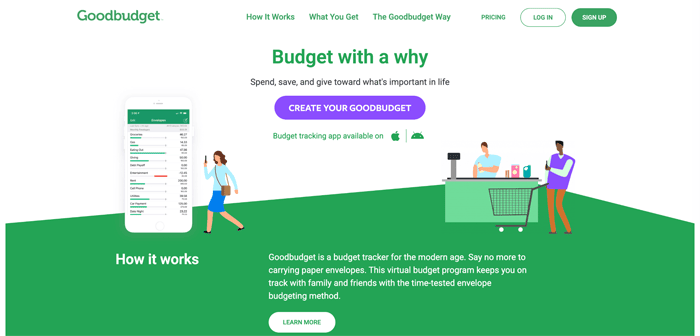
Goodbudget is that cash-envelope technique, just on your phone. You allocate your income into labelled envelopes at the beginning of each month and then stop spending in a category when that envelope hits 0. It’s synced (yes, synced) between devices so that partners can chase the same envelopes from their own phones. You enjoy the simplicity of envelope budgeting and are okay entering transactions manually.
The manual entry is deliberate, recording each purchase yourself builds awareness that auto-sync quietly removes.
Cost:
Free for 10 envelopes and two devices. Premium is $10/month or $80/year.
Manual entry gets time-consuming fast if you have a lot of transactions. It’s a focused tool, not a full financial dashboard.
Which Budgeting App Fits Your Situation?
If You Overspend or Live Paycheck to Paycheck >> PocketGuard
The problem is usually visibility, not willpower. PocketGuard gives you one honest number that updates in real time. It’s hard to overspend when you always know exactly what’s left. It also supports zero-based and envelope-style budgets, and Pace warns you before you run short.
If You Share Finances With a Partner >> Monarch Money
Joint budgeting fails when both people aren’t working from the same picture. Monarch’s shared dashboard fixes that.
If You’re Serious About Getting Out of Debt >> YNAB or EveryDollar
Both use zero-based budgeting, which forces deliberate decisions about every dollar. YNAB is more flexible, EveryDollar follows the Ramsey debt payoff sequence. Both have free trials – try them and see which one feels right. PocketGuard also supports zero-based budgeting and includes a debt payoff planner.
Final Verdict
No single app is best for everyone. But if you want a starting point, PocketGuard covers the most ground for the most people: fast setup, flexible budgeting methods, predictive guidance from Pace, and affordable enough to try without much risk. The best budgeting app is whichever one you’ll actually open tomorrow.
FAQ
Is a paid budgeting app worth it?
Usually yes. If it helps you catch one forgotten subscription or avoid one overdraft fee, it pays for itself fast. The real question is whether you’ll actually use it.
Which app is best for first-time budgeters?
PocketGuard or EveryDollar. PocketGuard needs almost no setup and can grow into zero-based or envelope budgeting. EveryDollar gives you more structure if you want to understand exactly where every dollar goes.
What replaced Mint?
Mint shut down in early 2024. Most former users landed on PocketGuard, Monarch Money, or YNAB. All of which offer more than Mint ever did.
Are these apps secure?
The apps on this list use read-only bank connections. They can see transactions but can’t move money. Bank-level encryption and biometric login are standard.
Can I use two budgeting apps at once?
You can, but it usually creates more confusion than clarity. Pick one, use the free trial, and commit to it for a month before deciding.